❉Recipe
VHS Overlay
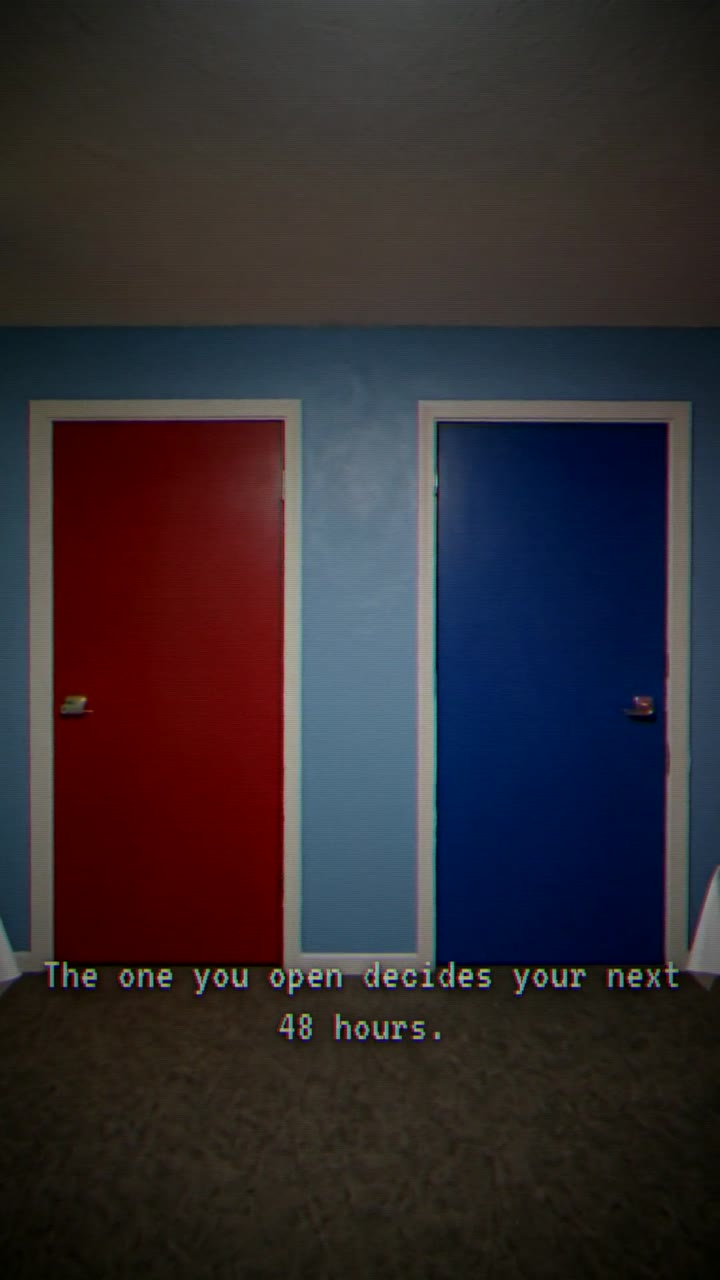
ffmpeg filtergraphThe full ffmpeg VHS chain — chroma shift + sine tape-wobble + temporal grain + vignette + slight desat — in one filtergraph. The whole-clip analog look behind the choose-path series.
4 units use it
What it is
## What it is
The complete tape-deck look in one `-vf` chain: an `rgbashift` chroma split, a 0.6 Hz sine `crop` wobble for slow horizontal drift, temporal `noise` grain, a `vignette`, and a small `eq` desaturate/contrast nudge (a VHS deck never produced pristine corners or full saturation). Toggle any layer by zeroing its knob.
## When to use it
- A whole clip you want to read as a found-tape / 1990s home-video / analog-horror register.
- For a single momentary "PAUSE"-style freeze overlay inside HyperFrames, use `vhs-pause-freeze` instead (this one bakes the whole clip).
## Knobs
- `chroma` = R/B horizontal shift in px (the rgbashift offsets). 0 = off.
- `drift` = sine-wobble amplitude in px. 0 = off.
- `grain` = noise strength 0..100. 0 = off.
How to use it standalone
# Verbatim from cli/lib/ffmpeg-recipes.ts buildVhsFilter({drift,grain,chroma}) with the defaults
# (chroma=3, drift=2, grain=8). The vignette + eq tail are always appended.
ffmpeg -i in.mp4 -vf "rgbashift=rh=3:bh=-3,crop=in_w-4:in_h:2+2*sin(2*PI*0.6*t):0,noise=alls=8:allf=t,vignette=PI/5,eq=saturation=0.92:contrast=1.05" -c:v libx264 -preset fast -crf 20 -c:a copy out.mp4| Param | Value |
|---|---|
| drift | 2 |
| grain | 8 |
| chroma | 3 |
| contrast | 1.05 |
| vignette | PI/5 |
| saturation | 0.92 |
Units that use this recipe
4 unitsEvery finished unit with VHS Overlay in its recipe. Open one to see the full ingredient list, or remix straight from a tile.