❉Recipe
Chroma Split
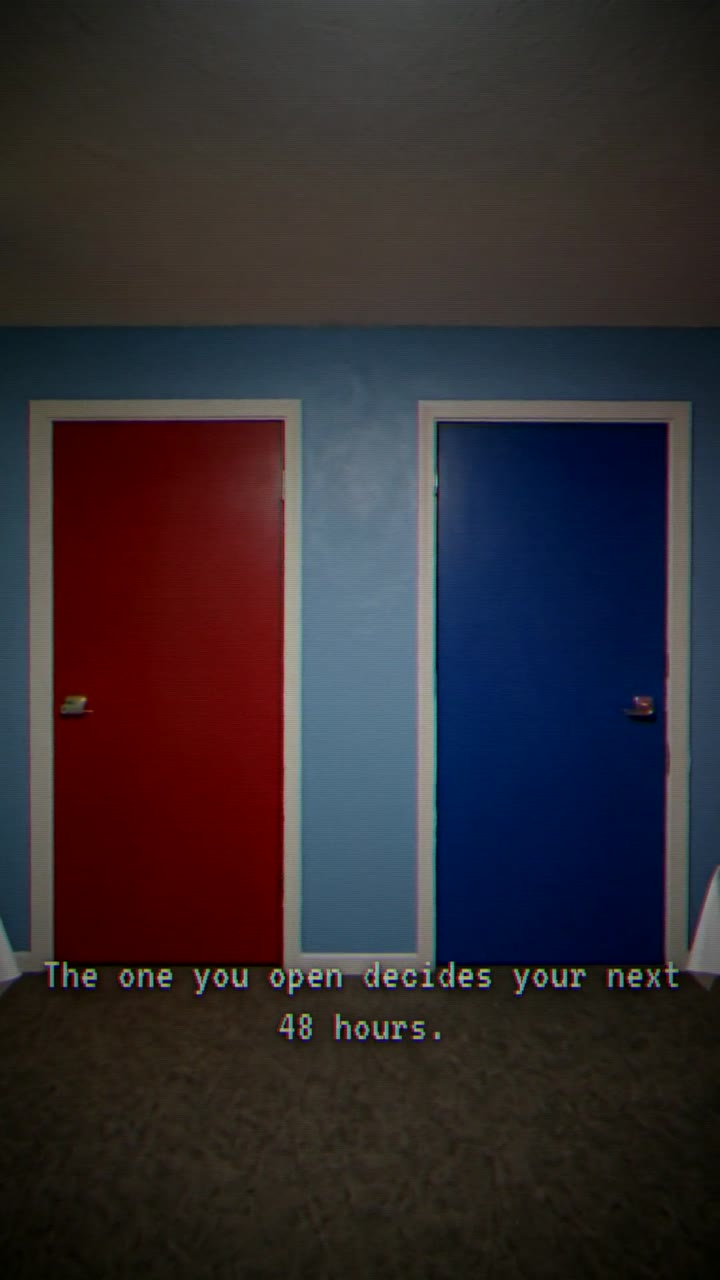
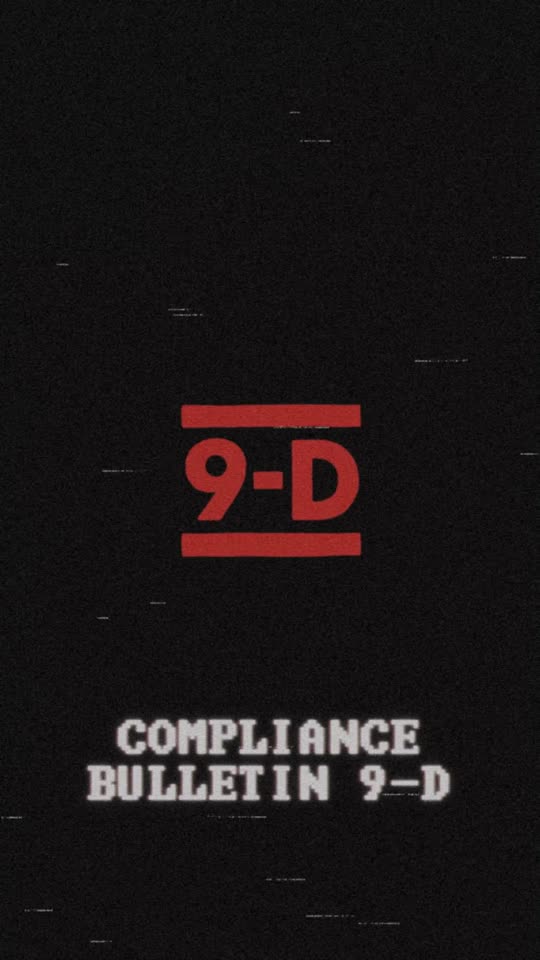
ffmpeg filtergraphRGB-channel offset (red/cyan fringe) for VHS / glitch / death-hit accents. Two flavors: an ffmpeg rgbashift bake for whole clips, and a zero-cost CSS text-shadow split for overlay text.
12 units use it
What it is
## What it is
A red/cyan (RGB-channel) split that fakes the chromatic aberration of a worn VHS head or a CRT. It reads as "signal damage" and is the cheapest way to make a clean AI frame feel analog or to punch a death/jump-scare beat.
## When to use it
- Whole-clip VHS / analog-horror grade: bake the ffmpeg `rgbashift` over the master.
- A single overlay word (DEAD, WARNING) where you do NOT want to re-encode the video: use the CSS text-shadow variant instead (free, GPU-composited, seek-deterministic in HyperFrames).
## Knobs
- ffmpeg: `rh` / `bh` = horizontal pixel offset of the Red and Blue planes (push them opposite ways: `rh=N`, `bh=-N`). 2-4 px reads as VHS; 7+ px reads as a hard glitch hit.
- CSS: the `7px 0` red + `-7px 0` cyan text-shadow pair — bump the px to widen the fringe.
How to use it standalone
# ffmpeg bake over a whole clip (verbatim from cli/lib/ffmpeg-recipes.ts buildVhsFilter chroma layer):
ffmpeg -i in.mp4 -vf "rgbashift=rh=3:bh=-3" -c:v libx264 -preset fast -crf 20 -c:a copy out.mp4

/* CSS overlay-text variant (verbatim from the choose-path index.html #death rule) */
#death {
  color: #ff2a2a;
  text-shadow:
    7px 0 0 rgba(255,0,46,0.55),
    -7px 0 0 rgba(0,200,255,0.45),
    0 0 40px rgba(255,40,40,0.7),
    0 6px 16px rgba(0,0,0,0.95);
}| Param | Value |
|---|---|
| bh | -3 |
| rh | 3 |
| css_offset_px | 7 |
| rh_glitch_hit | 7 |
Units that use this recipe
12 unitsEvery finished unit with Chroma Split in its recipe. Open one to see the full ingredient list, or remix straight from a tile.